Who this guide is for
This is for anyone in Bangladesh who files an income tax return and would rather do it online than on paper. That includes first-time filers, salaried employees, business owners and people who live abroad but have income in Bangladesh. The general process is the same for all of them.
Who has to file
Broadly, a return is required if your taxable income is above the tax-free limit set by the government. Beyond that, many people below the threshold still need a TIN (Taxpayer's Identification Number) and a return—for example for a bank loan or credit card, certain government services and licences, land or flat transactions, or travel documents.
The tax-free limit, the list of people who must file, and the services that require a TIN change from year to year. This page does not quote specific figures or lists for that reason: check the official website https://etaxnbr.gov.bd or your tax office for the current position. If you do not have a TIN, register first through the tax authority's online TIN service; that number is what you use in the e-Return.
What you need
- Your TIN certificate or registration number
- National ID, an active mobile number and an email address
- Last year's return acknowledgement, if you have one
- Proof of income: salary certificate, bank statements, rent agreements, business accounts
- Proof of savings and investments: savings certificates, DPS, life insurance, shares
- Loan and bank interest documents, where relevant
- Tax payment receipt or challan, if tax is due
- A scanned photograph and signature
Step by step
- Go to the official website and register as a taxpayer, or log in with your TIN and password if you already have an account. Complete the verification with the code sent to your mobile.
- Select the correct assessment year. Choosing the wrong year is one of the most common mistakes.
- Fill in your personal details: name, address, National ID and contact information.
- Enter income under each source separately—salary, rent, business, bank interest, agriculture and any other income.
- Add investment, donation and tax-rebate claims where they apply, and keep the papers for every claim.
- The system normally calculates the tax for you; check that the figure matches your own working.
- If tax is payable, pay it first and then enter the receipt or challan details in the return.
- Upload supporting documents if required; the portal states the accepted file types and size limits.
- Read the whole form once more before you submit. Once it is finally submitted, it usually cannot simply be edited.
- Download, save and print the acknowledgement slip the system gives you after submission.
Paying the tax
If tax is due, the return must carry the details of the payment. Money is normally deposited at a bank branch, through online banking or with a government challan, and you must keep the receipt. Which banks and channels are accepting payments this year, and whether any charge applies, should be confirmed on the official website or with the bank concerned.
Deadline and cost
Each year the tax authority announces a filing deadline, and it is often extended. The current date, any extension, and any fee connected with filing or with TIN services all change, so this page does not state a specific date or amount. Check the latest notice on the official website before you file.
If your documents and figures are ready, the form can usually be completed in one sitting, but the portal can get busy close to the deadline—so start early.
Why the acknowledgement slip matters
The acknowledgement slip is your proof that the return was filed. It is often asked for with visa and travel paperwork, bank loans, licence renewals and government tenders. Keep it for several years and store a digital copy separately.
Common problems and tips
- If your National ID or mobile number does not match the TIN record, registration can fail; update the details first.
- If you forget your password, use the reset option on the website; repeated wrong attempts can temporarily lock the account.
- If the verification code does not arrive, check that the number is active and the network is working, then try again.
- Declare every source of income; partial information usually means an amendment later.
- Every rebate claim must be backed by documents—do not overstate it.
- If no acknowledgement appears after submission, or the details look wrong, contact your tax office or the help facility on the website without delay.
Institutional background
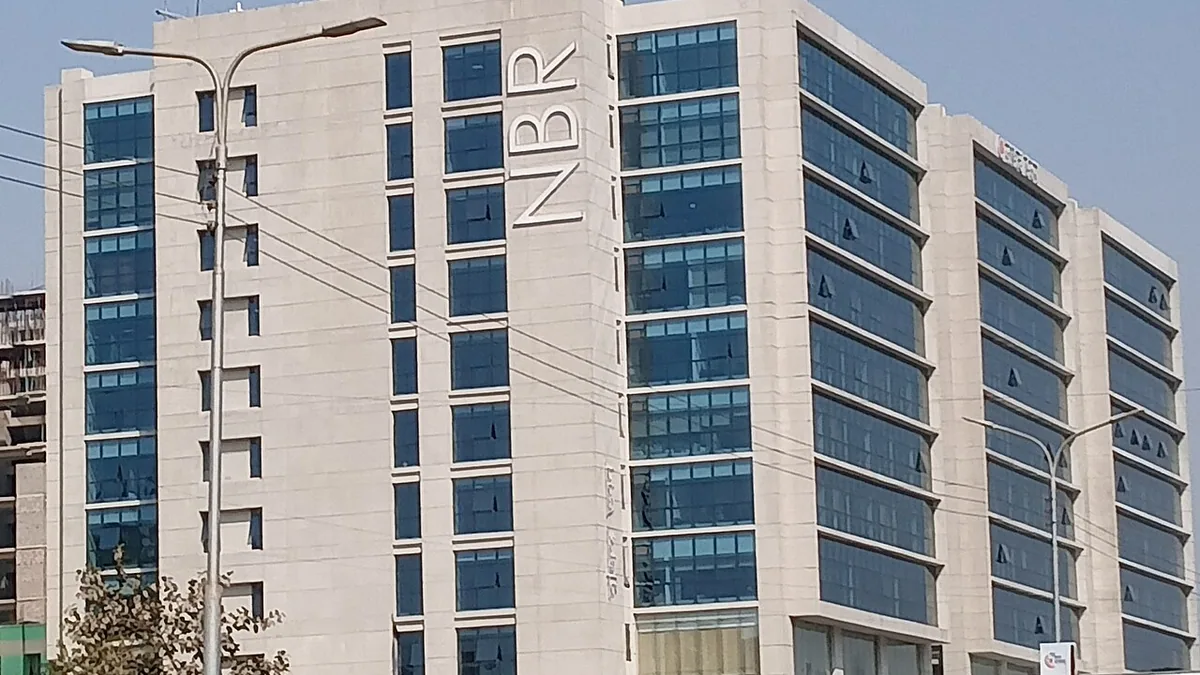
Tax administration in Bangladesh has been handled by the National Board of Revenue (NBR). In 2025 the government moved to dissolve the NBR and create two divisions, one for revenue policy and one for revenue management. The plan drew protests from tax officials and criticism from various quarters, and news reports said its implementation remained unclear. If instructions or office names seem confusing, treat the latest notice published on the official website as the authority.